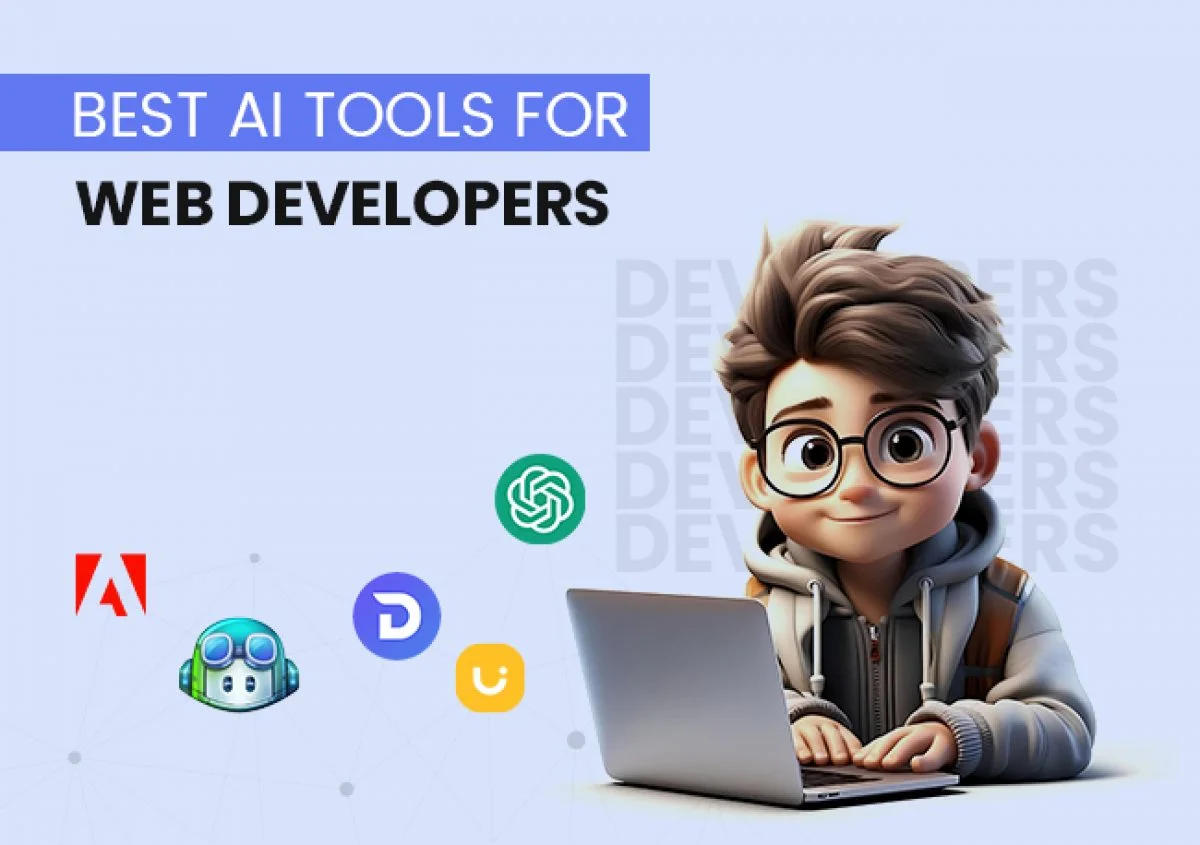
AI Code Generation Tools for Web Developers: The Future is Here
21-01-2026
You know what? Web development isn't what it used to be just a couple of years ago. I've been in this field long enough to see trends come and go, but what's happening right now with AI? That's something else entirely. The way we write code is changing, and honestly, I'm here for it.
If you're working in web development Ahmedabad or anywhere else, you've probably heard the buzz about AI coding tools. Maybe you're curious, maybe you're skeptical. I was both when I first tried them. Let me walk you through what I've learned.
So What Exactly Are These AI Code Tools?
Think of them as your coding buddy who's read every programming book ever written and remembers everything. These aren't just fancy autocomplete features. They actually understand what you're trying to build and help you get there faster.
The crazy part? They've learned from millions of code repositories. All those open-source projects on GitHub? All that documentation developers have written over the years? These tools have absorbed it all. It's like having a experienced developer looking over your shoulder, except they never get annoyed when you ask the same question twice.
Why I Finally Gave In and Started Using Them
I'll be honest - I resisted at first. There's something about writing every line yourself that feels... I don't know, more authentic? But here's the thing: my deadlines didn't care about my feelings.
One evening, I was stuck on a particularly nasty bug. The kind that makes you question your career choices. Out of frustration, I asked ChatGPT about it. Ten minutes later, problem solved. That was my "aha" moment.
As Fruxinfo Private Ltd web development Ahmedabad style - meaning fast-paced, client-driven work - time literally equals money. These tools aren't about being lazy. They're about working smarter. Why spend an hour writing boilerplate code when AI can handle it in minutes? Save your brain power for the stuff that actually matters - like figuring out why the client wants that button to be "more blue" (still haven't figured that one out).
The productivity jump is real. Tasks I used to dread because they were time-consuming but straightforward? Done in a fraction of the time now. And weirdly, the code often comes out cleaner than what I would've written rushing through it manually.
The Tools I Actually Use (And Why)
GitHub Copilot - This one's become part of my daily workflow. It sits right in VS Code and suggests code as you type. At first, the suggestions were hit or miss. But after using it for a few weeks, it started understanding my style. Now it feels less like a tool and more like pair programming with someone who gets you.
ChatGPT and Claude - Game changers for problem-solving. Stuck on something? Describe the problem in plain English. Need to understand a new framework? Ask away. It's like having Stack Overflow, but it actually answers YOUR specific question instead of marking it as duplicate.
Tabnine - I like this one for offline work. Sometimes I'm coding on a train or somewhere with spotty internet. Tabnine works locally, which is clutch. Plus, if you're paranoid about code privacy (and you should be), it's reassuring.
Replit Ghostwriter - Newer on my radar, but impressive. It doesn't just write code - it explains what it's doing. Super helpful when you're learning something new or trying to understand legacy code someone else wrote.
Real Talk: How This Actually Helps Day-to-Day
Last month, I was building a React dashboard. Needed a bunch of components with similar structures but different data. Normally, I'd write the first one carefully, then copy-paste and modify the rest. Hour-long job, easy.
Instead, I described what I needed to Copilot. Component structure, state management, prop types - the whole deal. It generated all of them in about ten minutes. I spent the rest of that hour actually testing and refining instead of typing repetitive code.
Another example: form validation. Everyone hates writing form validation. It's necessary, it's important, and it's boring. Described my requirements in plain English to Claude, got back a validation function that handled edge cases I hadn't even thought of. Saved me thirty minutes minimum.
That's the real value for web development Ahmedabad professionals working on tight deadlines. More time for creative problem-solving, less time on mechanical coding tasks.
Here's What You Need to Know About Using These Tools
Don't just accept everything blindly. I learned this the hard way. Early on, I trusted a suggestion without reviewing it properly. Spent two hours debugging later because it used an outdated pattern. Read what the AI gives you. Understand it. Make sure it fits your project.
Start small. Use AI for utility functions, test cases, simple components. Get comfortable with how it works. Then gradually expand to bigger tasks. But never - and I mean never - blindly trust it with security-critical stuff like authentication or payment processing. Always review, always test.
Be specific in your requests. "Make a login form" gives you generic results. "Create a login form with email and password fields, client-side validation for email format, password strength meter, and error messages for invalid credentials" gets you exactly what you need.
Testing isn't optional. AI-generated or hand-written, all code needs tests. Period. The AI might miss edge cases. You won't if you test properly.
We're Still Needed (Phew!)
Look, I get it. There's anxiety about AI replacing developers. But after using these tools extensively, I'm not worried. Here's why: these tools are excellent assistants, terrible architects.
They can write a function based on specifications. They can't decide whether you need that function in the first place. They can implement an algorithm. They can't tell you if it's the right solution for your user's problem.
Critical thinking, understanding business requirements, making architectural decisions - that's still on us. And honestly? That's the interesting part anyway.
What's Coming Next
The future looks wild. AI integration is getting deeper. We're heading toward a world where developers focus primarily on design and architecture while AI handles implementation grunt work.
My advice? Don't wait to try these tools. The learning curve is gentle. Install Copilot or create a ChatGPT account and just... play with it. See what it can do. Figure out where it helps you most.
Whether you're building simple websites or complex enterprise applications, these tools will make your life easier. Just use them wisely. Understand what they're doing. Keep learning the fundamentals.
Because at the end of the day, these are tools. Powerful tools, sure. But tools nonetheless. The developer - that's still you. And that's not changing anytime soon.
Related Services
Want to put these ideas into practice? Talk to Fruxinfo Ahmedabad about: